Skip to content
For students

Your subjects and your schedule, sorted.

You pick your year and track once, and the subjects assign themselves. Your schedule, attendance, grades, wallet and card are all in one place.
What do I have, and when?
Learning
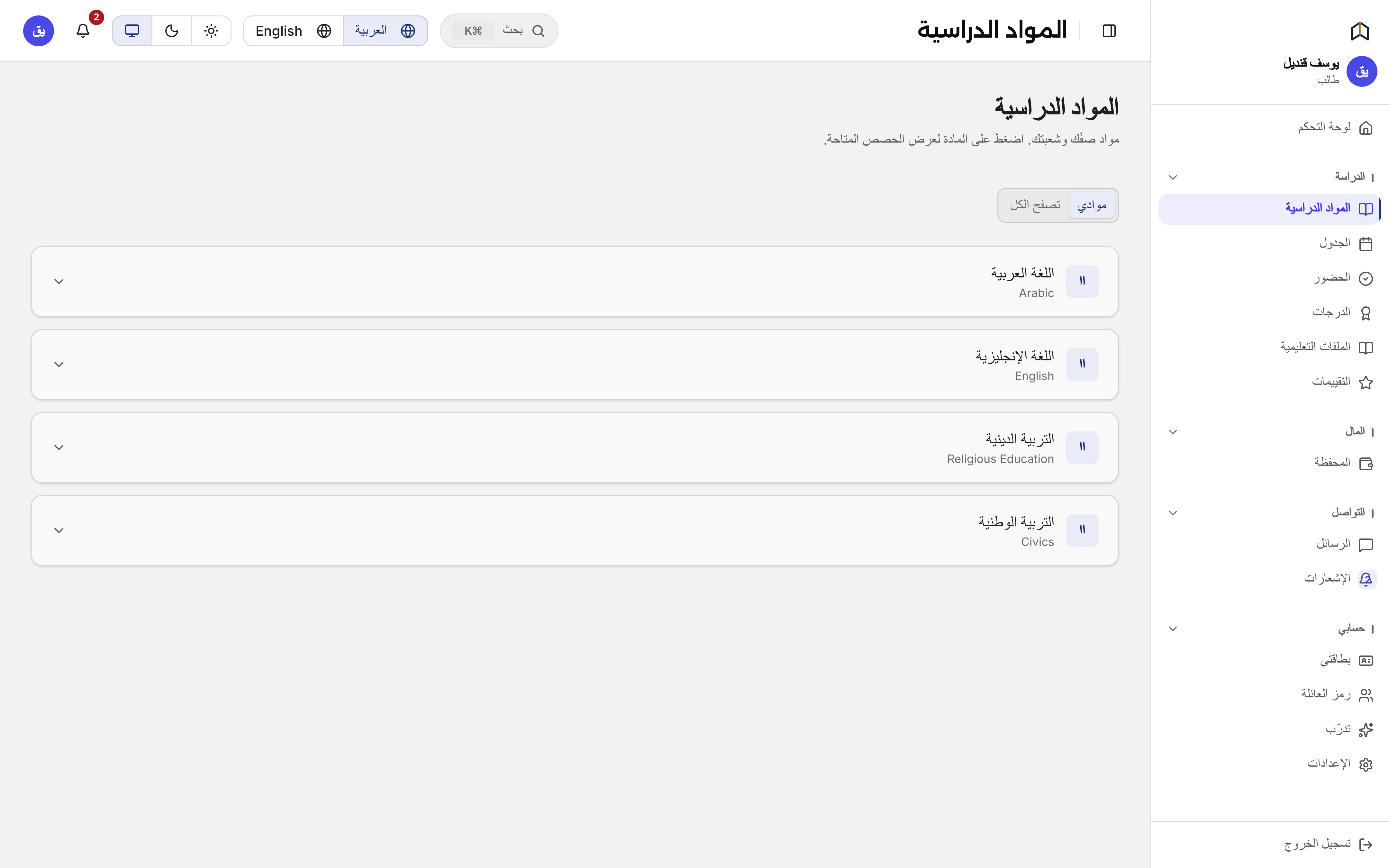
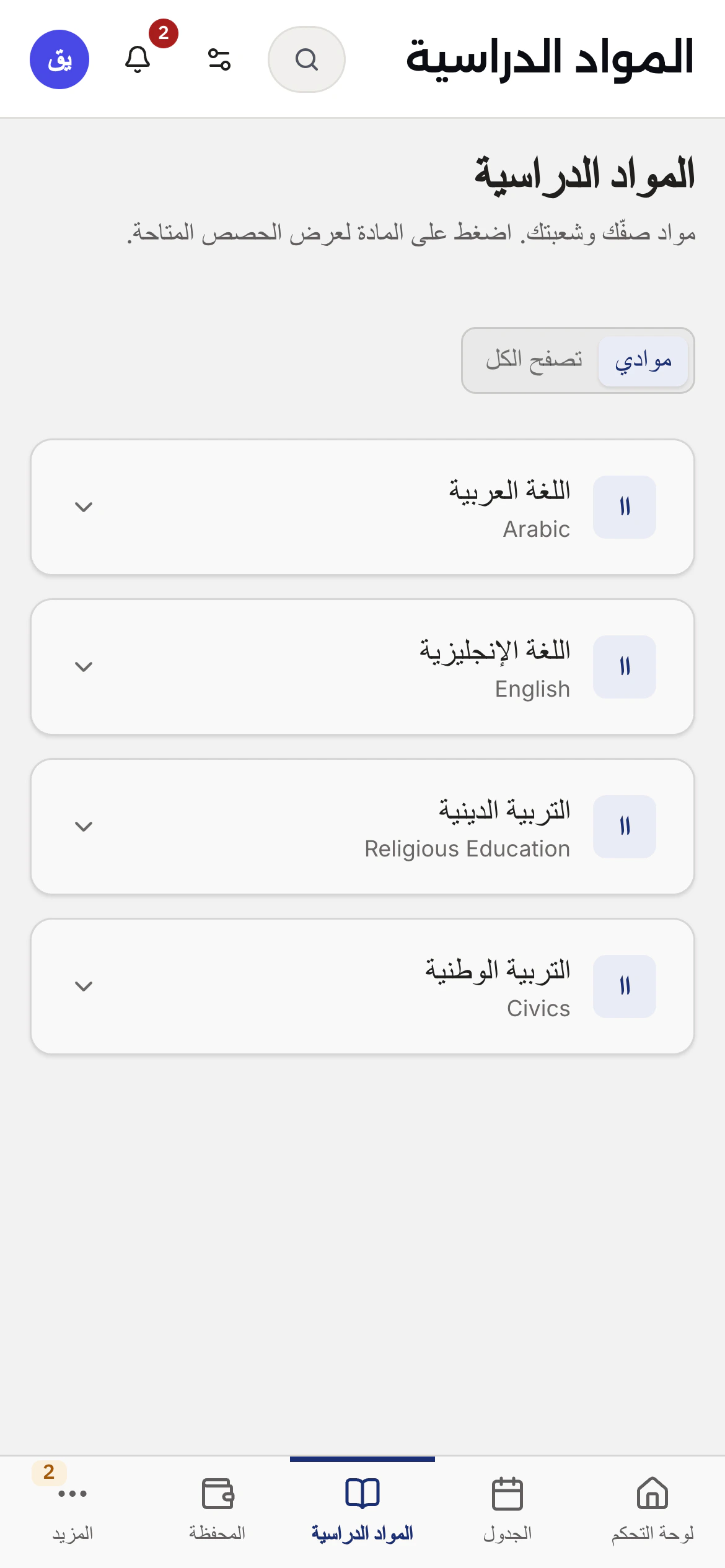
Subjects
Your track's subjects appear on their own, with a separate search if you want to browse everything else.
Schedule
This week's lessons, with hall and time.
Attendance
Your record: how many you attended, how many you missed.
Grades
Your marks as they are entered.
Materials
Your teacher's files for your groups.
Reviews
Rate your teachers.
Learning
Learning
Account
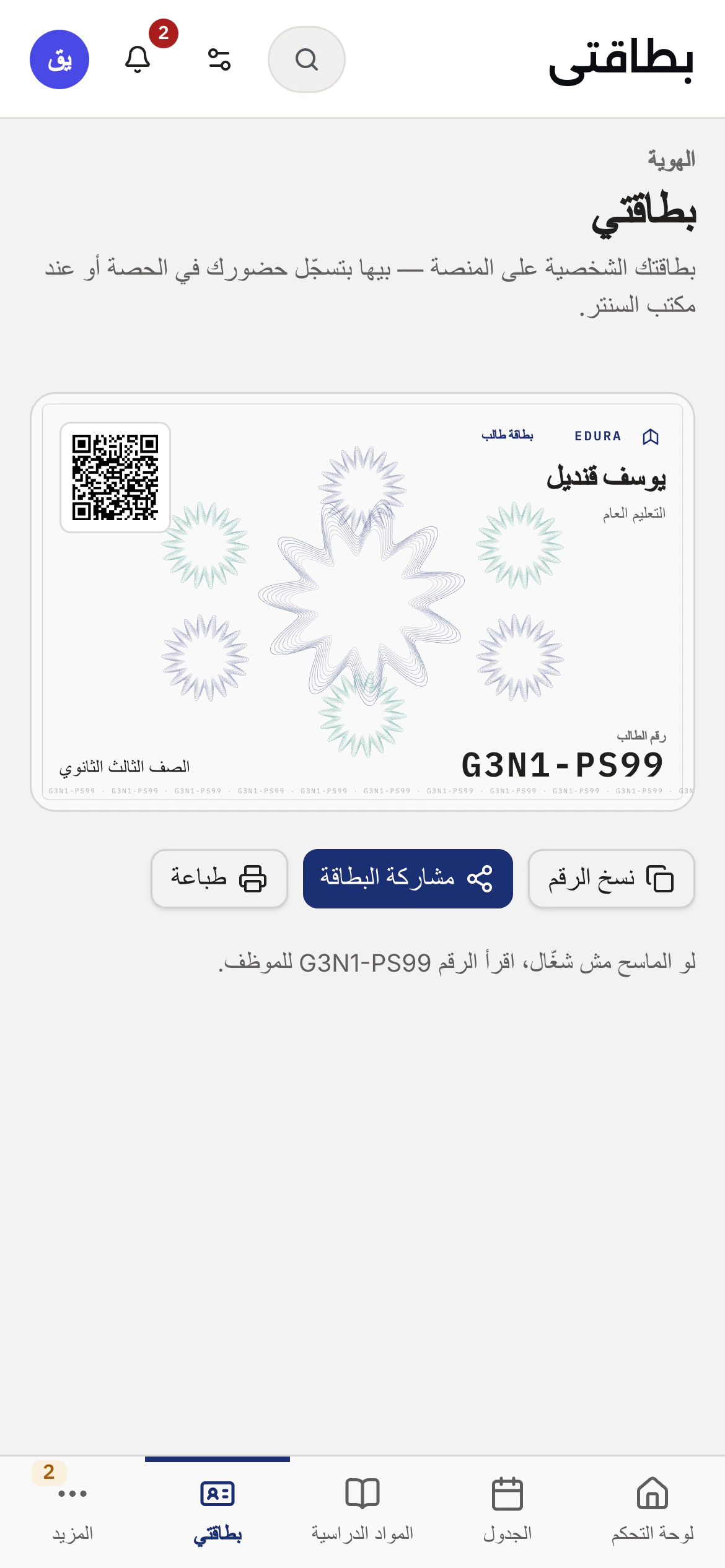
Student ID
An eight-character code and a signed QR, printable or sent over WhatsApp. That code is what the counter reads.
Family
Link your parent, with approval from both sides.
Messages
Ask your teacher inside the system. If you are a minor, your guardian can see the thread.
Account
Account
Money
Wallet
Top up online or in cash at the counter, and pay from the balance.
Subscriptions
What you are covered for, and what is about to run out.
Guarantees

Your code carries nothing about you

It is not derived from your name, birth date or phone. And it carries a check character that catches any single wrong character and any two swapped — so you are never marked present for someone else.

A lost card can be stopped

The QR is signed and versioned. The moment you report it, every card printed before then stops working.

Money is counted once

Every payment has a numbered receipt and every lesson has a line. You can check both whenever you want.

Start with your year and track.

One step, and your subjects assign themselves after it.